
Using News Management, you can communicate with your collaborators internally. This would not only reduce numerous emails but also assure that your collaborators see your announcements.
Create a News item
The News feature allows you to share content with your collaborators.
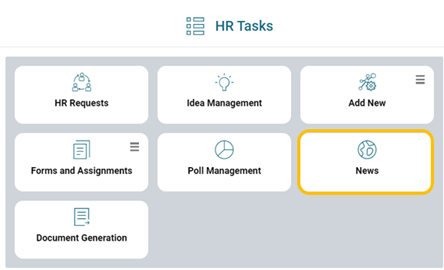
It can be enabled for a user from their Role. For this, add “News Management - Create”, “Edit”, “Delete” and “See” permissions.
From the News Management page, HR Tasks > News, click on:  .
.
You need to then:
- Add a logo (not compulsory)
- Enter a title
- Enter your message
- Select a Date of Publication
- Choose your recipients
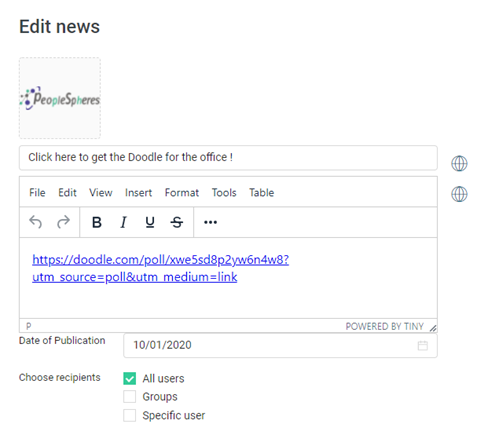
If you are working in several languages, do not forget to translate the different items by clicking on the  icon.
icon.
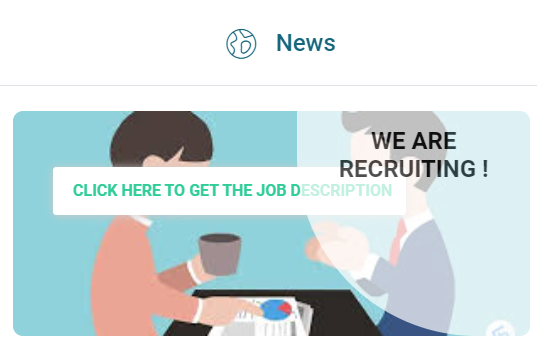
Create a “Top News” item
The display position of the News is decided by their dates of publication, from the most recent to the latest. If you want to display a particular message, use the option “Top News”:
This option allows you to:
- Display your message as “Top News”
- Create a button that can be clicked on
- Add a background image
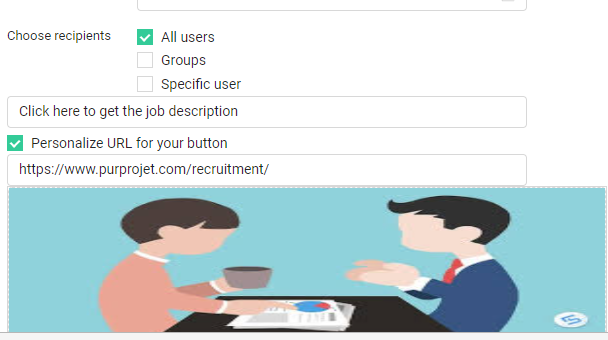
Result :
A few examples to put in place :
- A news item when a collaborator joins the company
- A news item for CSE elections
- HR News (accounts)
- An announcment for new partners or clients