
Create Idea Categories
Access Idea Management
Filter Ideas
Like an Idea from the Idea Management page
Edit an idea posted by a collaborator
Archive/Un-archive an idea
Create Idea Categories
You can edit the four default Idea Categories available in the Idea Box: Career Management, HR politic, Life quality at work and Employee service.
You can access the “Idea Categories” from the “Administration” menu if you have the “Idea Categories Management” permission.
Once on the Categories Management page, you can rename, deactivate, or delete existing categories, as well as create new ones.
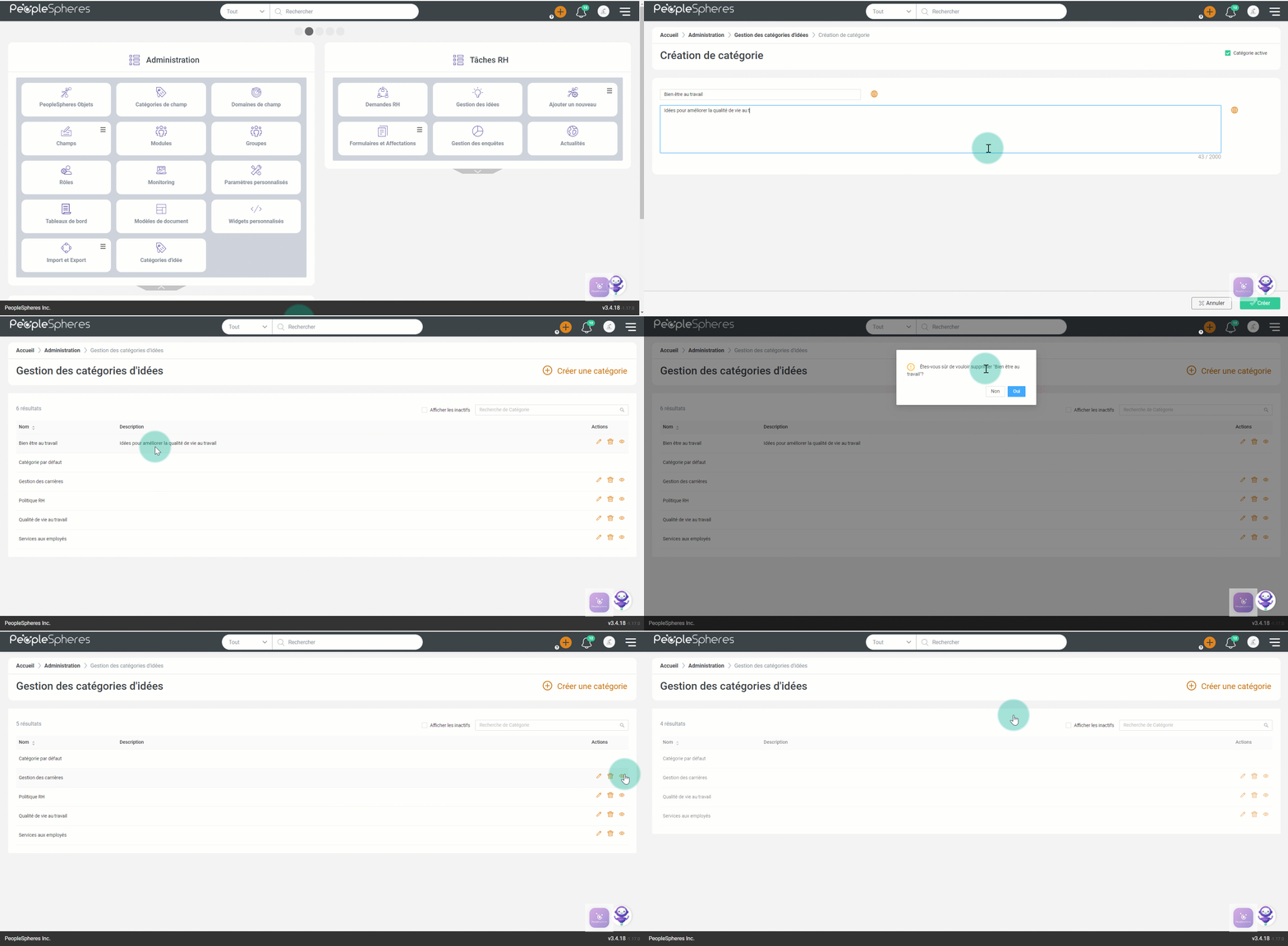
The default category cannot be deleted, edited, and deactivated.
All ideas from a deleted Idea Category are automatically moved to the default category.
Idea Management allows you to comment on, edit or archive an idea with your HR account.
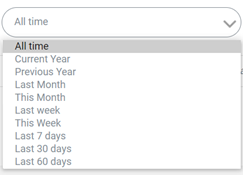
You can view previously archived ideas as well as search for an idea using the idea category or the initial date of publication.
Access Idea Management
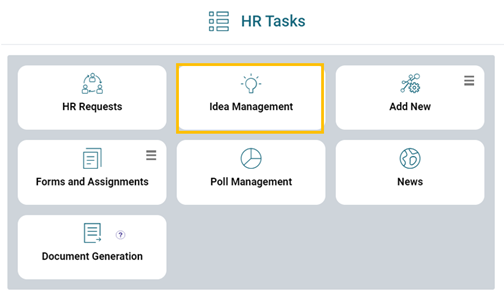
You can access this feature from “HR Tasks” menu on the second page of your PeopleSpheres.
This page is accessible to collaborators having “Idea Management” permission.
Filter Ideas
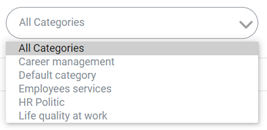
You can filter ideas by:
- Categories
- Dates
Like an Idea from the Idea Management page
From Idea Management menu, like an idea at any moment by clicking on the button.
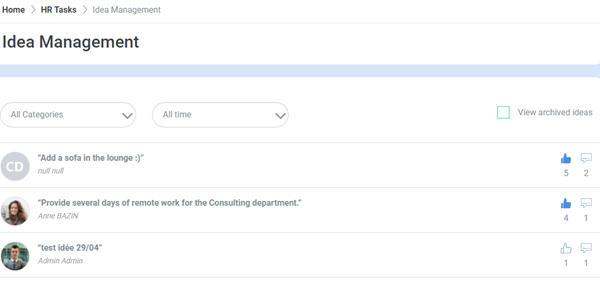
The uncolored  icon indicates that you have not liked an idea yet.
The colored  icon indicates that you have already liked an idea.
Edit an idea posted by a collaborator
To edit an idea posted by a collaborator at any moment, click on the  button next to the concerned Idea.
Click on Update Idea  . Edit the entered text and/or category if required.
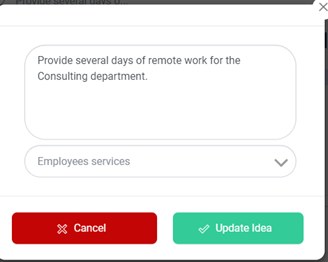
Click on “Update Idea” to save it.
Archive/Un-archive an idea
To archive an idea, click on  to edit it. Click on
  in front of the title. Once this is done, this idea will neither be visible on home page nor on Idea Management page.
To retrieve an archived idea, click on the  button on the Idea Management page.
To un-archive an idea, click on  when you are editing it.