
Click on the  icon to access to “HR Request” menu on the top-right of the PeopleSpheres home page.
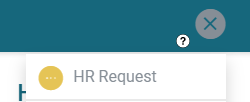
The HR Request page has 2 parts:
- The chat: collaborators can directly send a message to their HR,
- The form: collaborators can check the forms that require an update, request any information on holidays, training etc.These forms are to be implemented by the HR or the administrator (refer to Forms and Assignments).
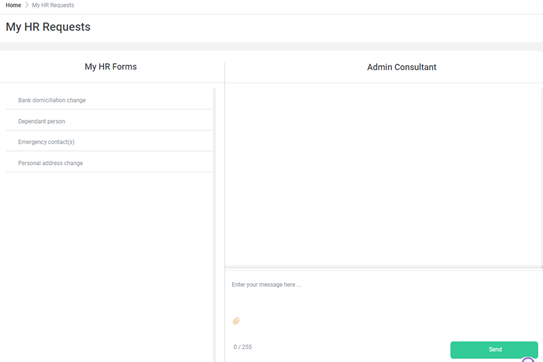
HR chat
User can communicate directly with their HR. They can send instant messages and attachments.
My HR Forms
The HR Requests page has permanent predefined forms which the collaborators use to update their data, request any information on holidays, training, etc.
For more information on Forms, read the article on “Create and assign a Form"